
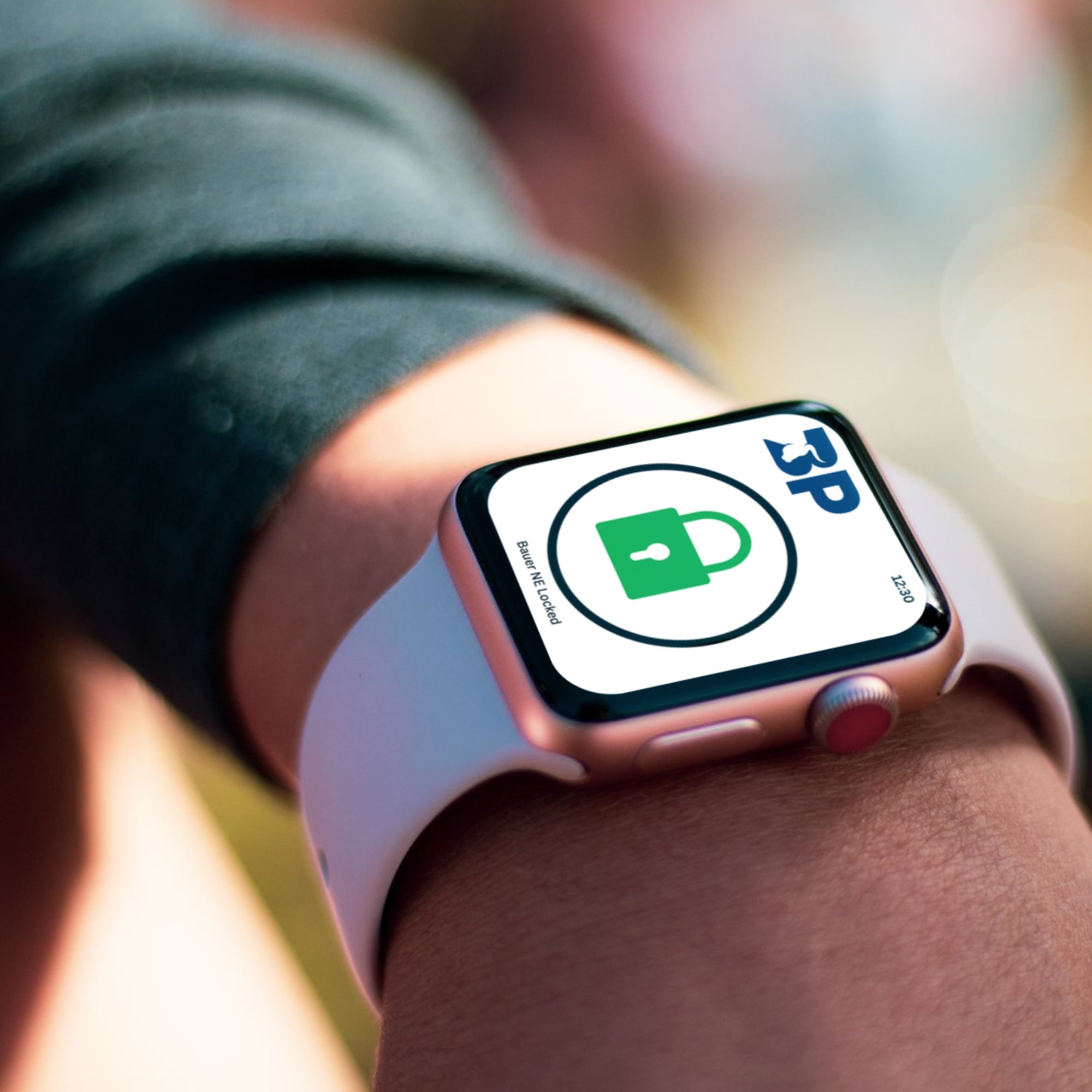
Download the Bauer Connect App

Download on App store
Download on Google Play

Overview

The Bauer NE Bluetooth is a 4-touch pad, programmable deadbolt lock.

  • Four buttons labeled 1|2, 3|4, 5|6, 7|8
  • Each button covers two numbers (ex: 1|2)
  • Uses Touch Technology – simply touch and lift your finger (no pressing required)

Operation

  • Incorporates AlSentis HSS touch technology
  • Buttons illuminate when touched
  • Touch Indicator Light flashes Blue when active

Resetting the Factory Code

If you have forgotten your code, you can reset the code to the Factory Preset Code. In order to reset the code to the Factory Preset Code, you must be able to open the door to remove the battery compartment lid of the Bauer NE Bluetooth and remove a battery for at least 20 seconds. Reinstall the battery. Within 10 seconds, touch the 1|2 and 3|4 buttons for 4 seconds. Now enter 3715 and enter. 

Programming a Code

To set a new code or change a programmed code, enter a valid code. If no code has been entered the code will be the factory preset of 3715 followed by the Enter button.

Within 10 seconds after entering a valid code, touch and hold the 3|4 button and the Enter button for 3 seconds. The Bauer NE Bluetooth will provide 3 short beeps and the Touch Indicator Light will flash Blue 3 times, indicating it is ready to accept a new code.

Enter a new 4-digit code followed by the Enter button. The Bauer NE Bluetooth will provide four short beeps and the Touch Indicator Light will flash Green 4 times to indicate a new code has been entered. The new code can be entered now and will activate the dead bolt.

This new code will remain programmed in the latch even if battery power is interrupted. Changing batteries will not remove the programmed code.

QuickLock

  • After valid code entry:
  • Lock by touching 7|8 + Enter simultaneously

Bluetooth Setup